Your organization, all the way to the people it serves.
Give citizens, customers and partners a space that fits their relationship with you. Documents, requests, bookings, orders and follow-up: connect external exchanges to your team’s work, with the information and actions you choose to share.
Internal modules are already in use. The external spaces shown here are future extensions, to be adapted to each organization.
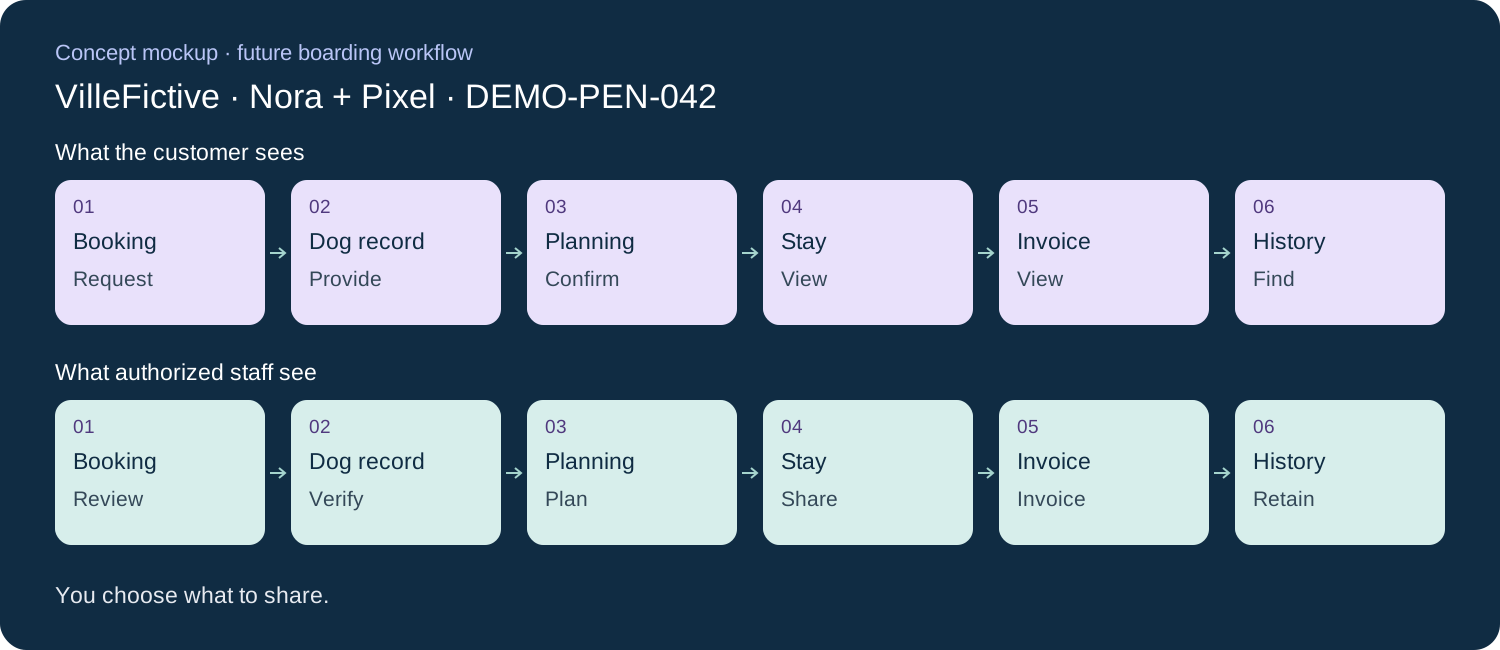
Concept mockup · future boarding workflow
One stay. One record. Two perspectives.
VilleFictive Boarding · Nora Pelletier and her dog Pixel · fictional stay on February 8–10, 2027. Explore the steps of one record, DEMO-PEN-042.
Nora selects an offered slot and submits a stay request for Pixel.
View slots · request a booking
What authorized staff see
VilleFictive
The team reviews the request, capacity and conditions before confirming.
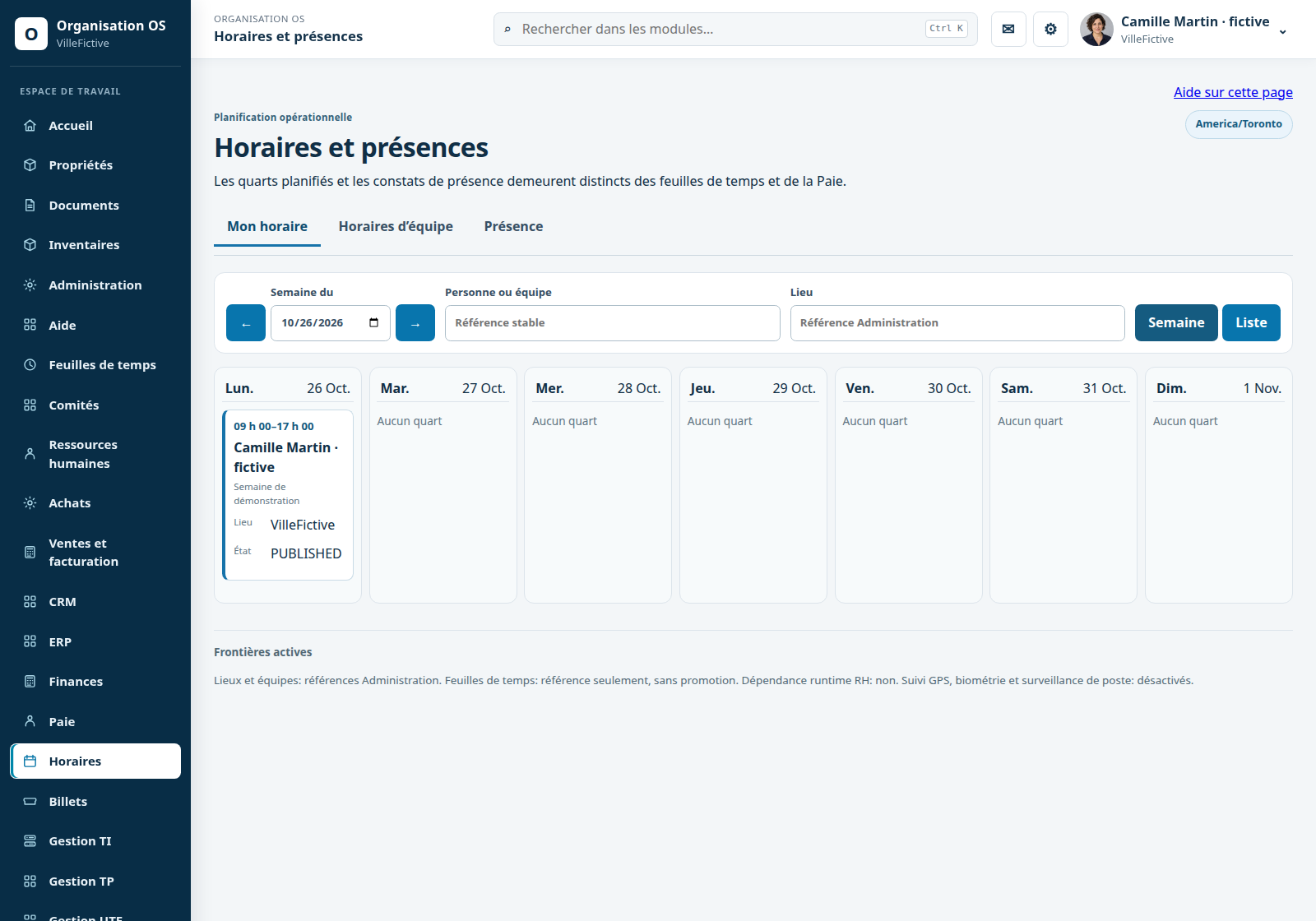
Specialized bookings → Schedules
A request is not yet a confirmed booking.
Dog record · DEMO-PEN-042
What the customer sees
Nora · Pixel
Nora provides a fictional photo, diet and useful information about Pixel, and submits requested documents.
Submit · edit authorized fields
What authorized staff see
VilleFictive
The team reviews the information. Its internal notes remain within its own scope.
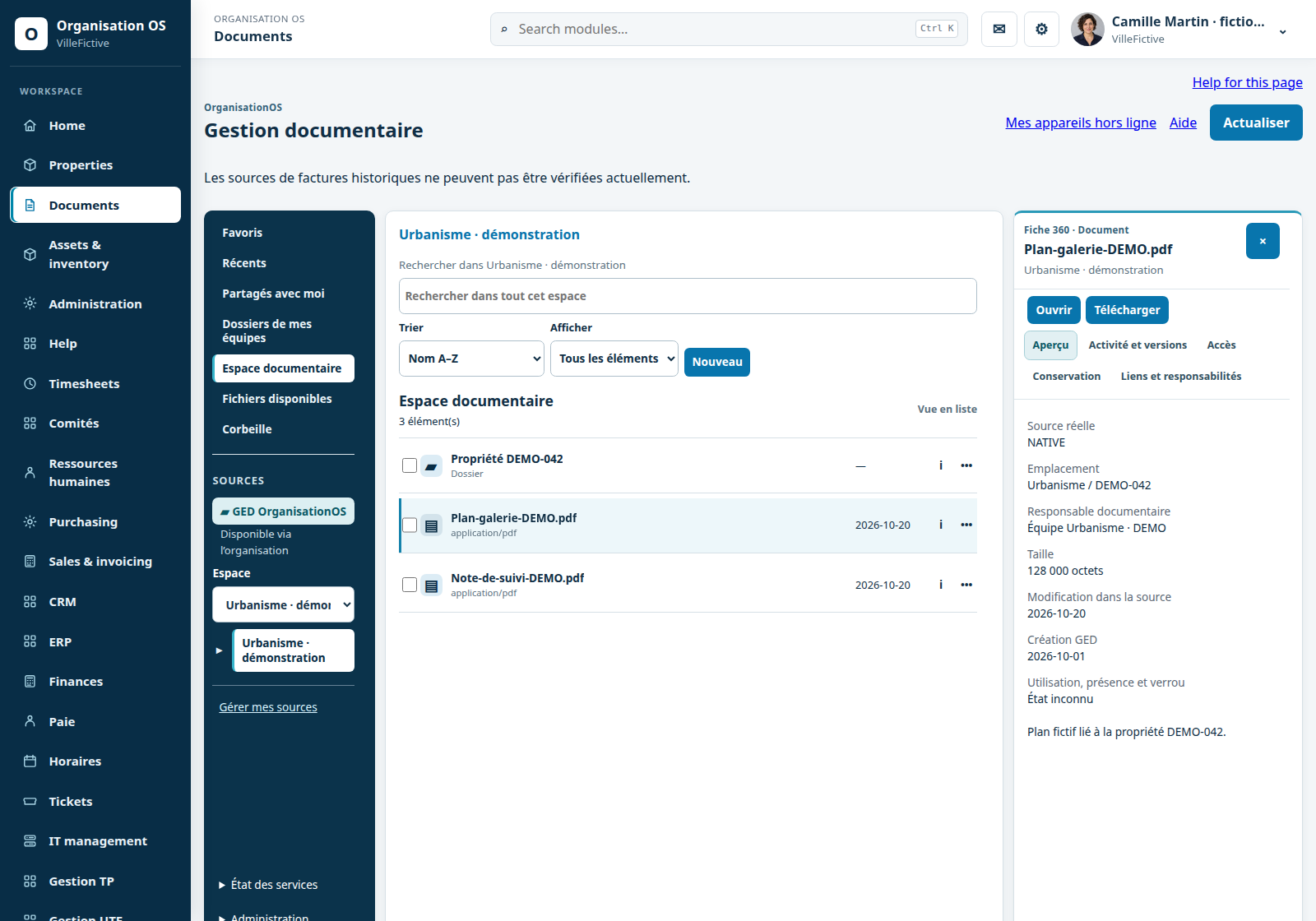
Animal record → Documents
The facility must validate the Nora–Pixel relationship, rather than infer it from a name.
Planning · DEMO-PEN-042
What the customer sees
Nora · Pixel
Nora finds confirmed dates and shared arrival instructions.
View one’s confirmation
What authorized staff see
VilleFictive
The team assigns staff and prepares stay tasks in its schedule.
Booking → Schedules
Other customers’ schedules and staff permissions are not shared.
Stay · DEMO-PEN-042
What the customer sees
Nora · Pixel
Nora reads an update about Pixel that the facility has chosen to publish.
View published updates
What authorized staff see
VilleFictive
Staff record stay observations and choose what to share.
Stay follow-up → Documents
A working note does not automatically become a customer-visible update.
Invoice · DEMO-PEN-042
What the customer sees
Nora · Pixel
Nora views fictional invoice INV-DEMO-042 and previously recorded payments, if this view is authorized.
View the invoice
What authorized staff see
VilleFictive
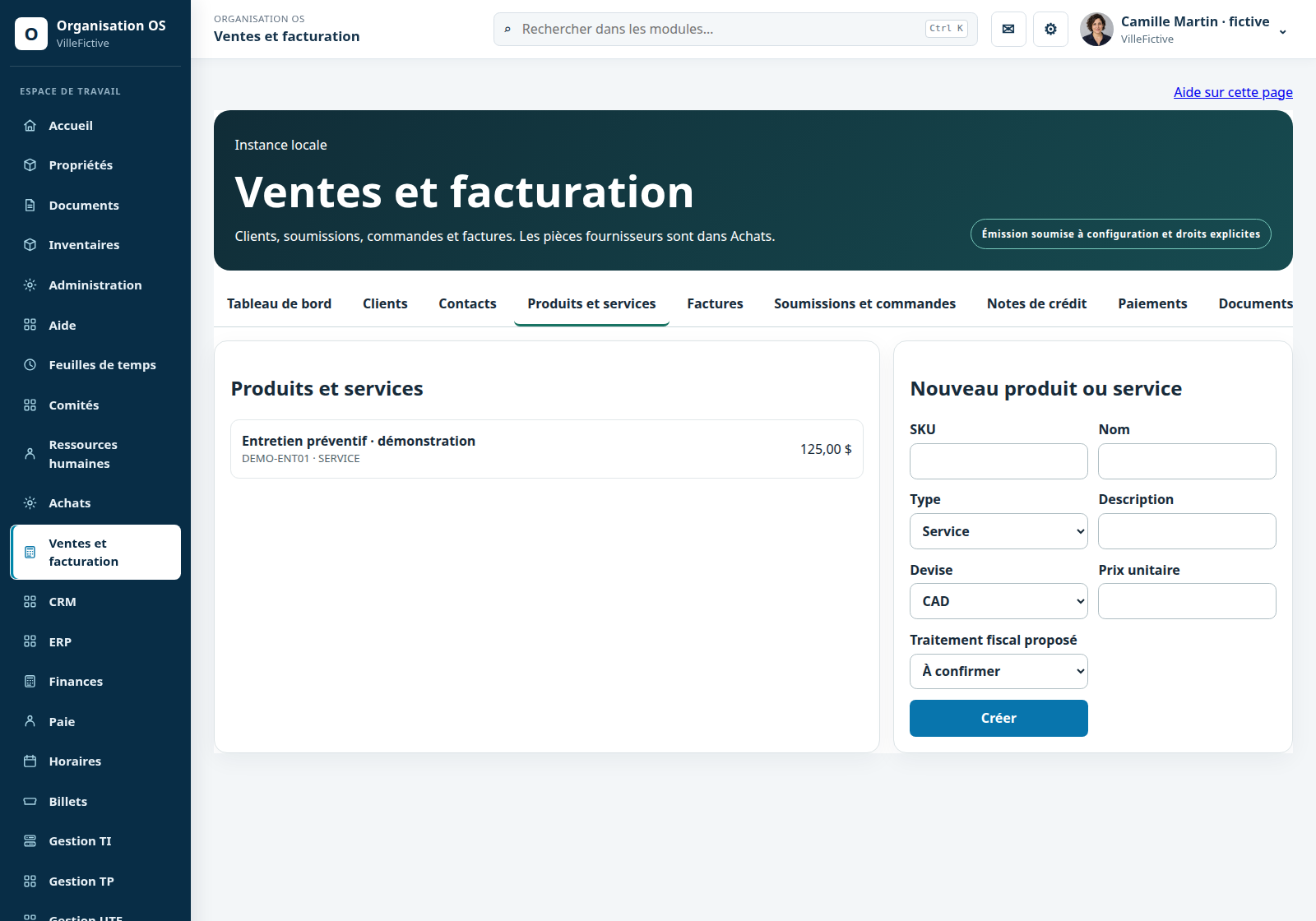
Authorized staff prepare the invoice in Sales, according to the rules and the stay record.
Stay → Sales and invoicing
No online payment is simulated or promised as delivered.
History · DEMO-PEN-042
What the customer sees
Nora · Pixel
Nora finds the stay, documents and invoice retained in her shared space by the facility.
View one’s shared history
What authorized staff see
VilleFictive
The team finds the linked record and applies its retention and sharing rules.
Sales → Documents → History
Internal notes remain separate; permissions may change.
Future · external space
Municipalities · citizen space
Find information about one’s own property.
Tax accounts and recorded payments
Documents shared with the person
Submit a request and view its progress
Authorized information about one’s properties
Internal viewing of taxes and allocated entries exists according to the source. The citizen space is a future extension. Viewing a recorded payment does not enable online payment; that is a separate capability and is not advertised as available.
Quotes, orders, invoices and statements for one’s account
Associated documents and exchanges
Progress of one’s requests and orders
Sales or purchasing views explicitly shared with a partner
Sales, purchasing and CRM are existing internal modules. Their external extension is planned. Customers do not receive access to complete sales or purchasing ledgers.
Prepare an appointment or a stay with the right information.
Offered slots and appointment or stay bookings
One’s animal record
Photos, allergies, diet, contact details and useful documents
Appointment or boarding history shared by the facility
Specialized booking, animal records and the owner space are future extensions. Internal notes remain distinct from shared history; viewing a record does not grant permission to edit it.
Stock distinguishes physical, reserved and available quantities. The sales offer also depends on the producer’s choices. The buyer catalogue and recipe matching are future extensions. Each shared availability must carry its update date.
Actual internal components with demonstration data. These examples are independent of the boarding concept; they do not show a delivered customer portal.
Each person accesses only the information and actions they are authorized to use. This is the principle to implement and verify in each future external space.
Staff and external people
An external account does not automatically grant access to internal modules. Staff permissions and external permissions are defined separately.
The right record for the right person
Property, business or animal: the relationship must be established through an authorized mechanism and validated. Knowing a name or address is not enough.
Permission for each action
Viewing, submitting, editing, booking, approving and paying are distinct actions. Each citizen’s, customer’s or partner’s data remains within their scope.
AI follows the same limits
Any external AI assistance must respect the same scope, including its sources and summaries. Such external assistance is not presented as operational.
Reviewed scope
Portal components inspected: Property 360 and historical taxes, Documents, CRM, Sales, Purchasing, Inventory, Schedules and Tickets. Core distinguishes internal and citizen identities; citizen loans have versioned acceptance. These foundations do not establish acceptance of an external space. No citizen, customer/partner, animal-owner or buyer screen was found accessible within the inspected scope.