Connect
Identity, services and data are separate integrations, each with its own scope and acceptance.
 OrganisasionOS
INTEGRATIONS
Keep your environment, connect the services you need and gradually adopt applications from the open-source community. Choose tools that fit your work without having to replace everything.
Identity, services and data are separate integrations, each with its own scope and acceptance.
The Companion provides access to applications authorized by your organization.
Start with one module, then add tools as your work calls for them.
Microsoft sign-in and sessions accepted on configured installations. Availability is limited to those scopes; other Microsoft 365 services are not automatically included.
OneDrive connectors and connection flows exist in the code. End-to-end document acceptance remains to be established for the proposed scope.
Entra authentication does not establish email or calendar acceptance. No complete Microsoft 365 workflow is claimed here.
Targeted adapters, imports and acceptance evidence exist. Each source, recovery and synchronization requires individual validation; there is no universal migration claim.
Planned integrations. The reviewed evidence does not establish end-to-end Google acceptance.
Microsoft Entra ID, Microsoft 365, Google and other names belong to their respective owners. No provider partnership, endorsement or certification is claimed. External services may receive data according to activated permissions and features.
Find applications authorized by your organization in the Companion. Choose tools that fit your work; each application lists its features and requirements.
CONTINUITY / FREEDOM OF CHOICE
OrganisasionOS builds on your existing tools. Telephony, storage, identity and email: evolve your infrastructure at your own pace while keeping a familiar workspace for your teams.
Continuity is a design objective. Each integration and each provider change requires its own validation.
For your organization: a choice of services
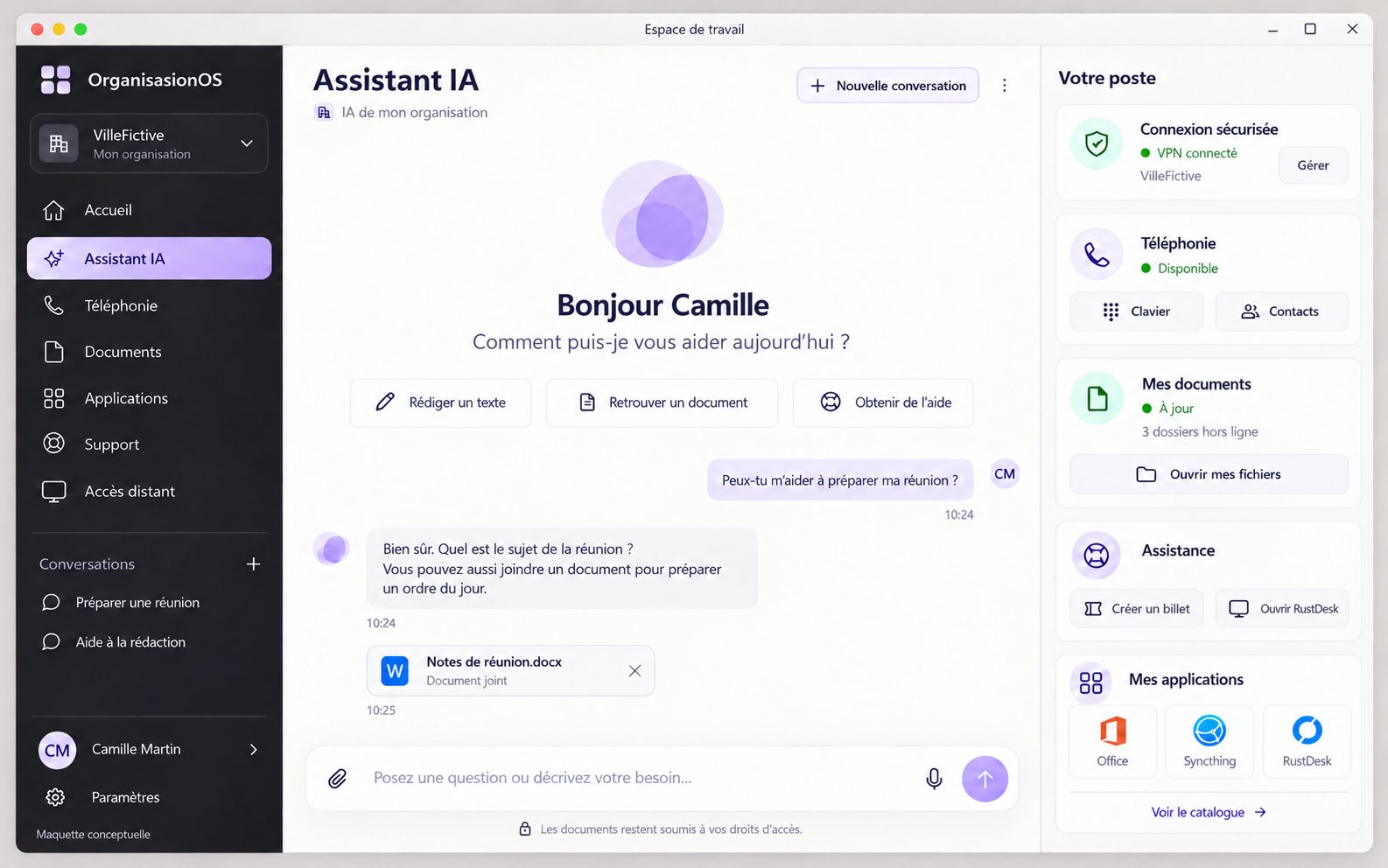 Enlarge preview ↗
For your teams: familiar navigation
Find contacts and make calls from the same workspace when the system behind it changes.
Core and connectors link the workspace to the services in use. Core applies your organization’s rules; each connector adapts a specific integration.
Telephony interfaces and contracts exist. Replacing one system with another while preserving the complete workflow has not been accepted.
Interface continuity alone does not guarantee continuity of data, permissions or every feature. Preparation, compatibility, migration, testing and rollback remain specific to each transition. No universal compatibility or perfect equivalence between providers is promised.