Shared Companion
In pilotReviewed scope
A catalogue linked to the organization and its permissions. Server distribution is accepted for specific scopes; complete desktop acceptance is a separate step.
 OrganisasionOS
ORGANISASIONOS / COMPANION
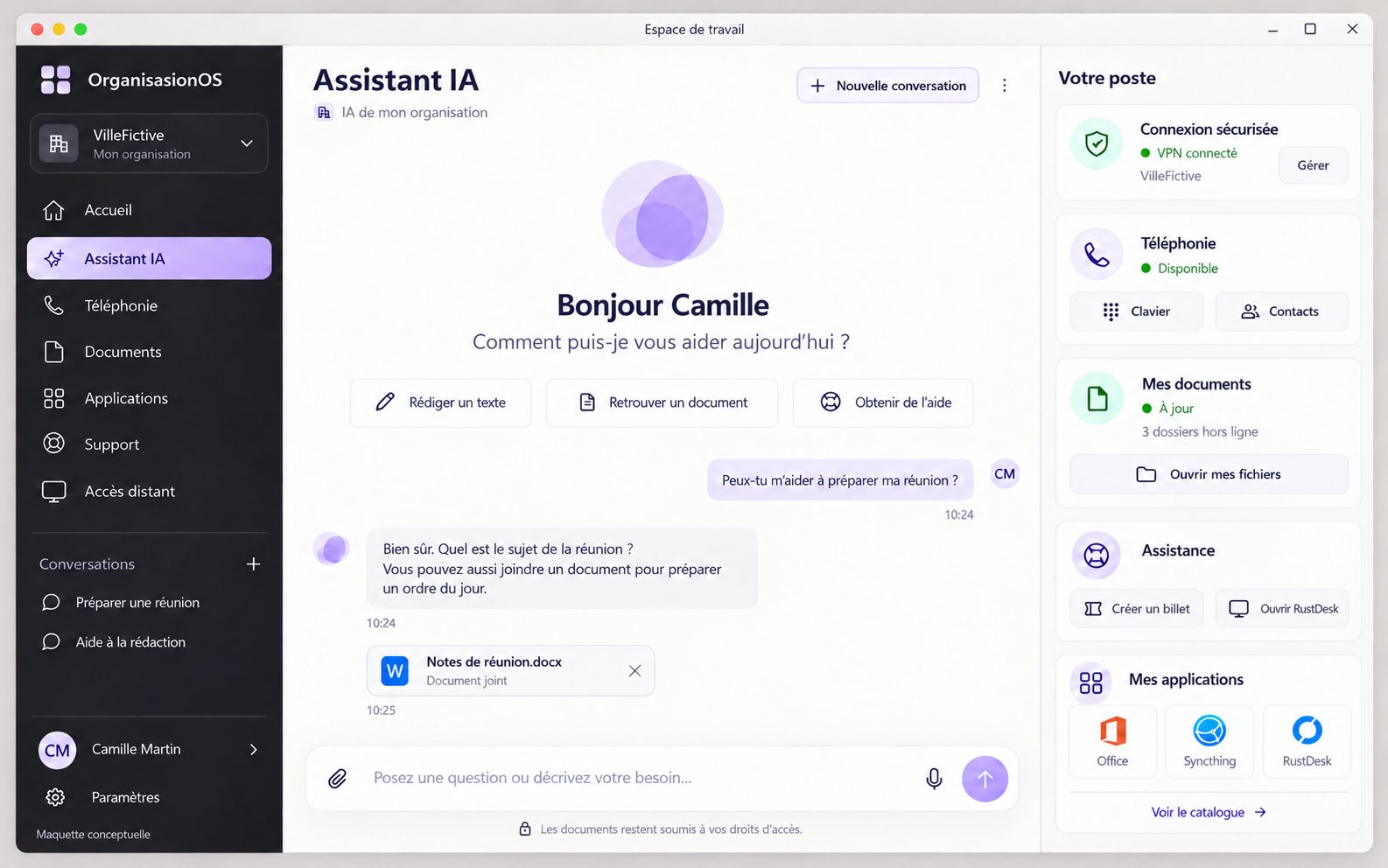
The shared Companion brings your organization, application catalogue and authorized access together on the desktop.
Choose a view. This local demonstration starts no calls, remote sessions or AI processing.
 Enlarge preview ↗
 Enlarge preview ↗
 Enlarge preview ↗
 Enlarge preview ↗
 Enlarge preview ↗
 Enlarge preview ↗
 Enlarge preview ↗
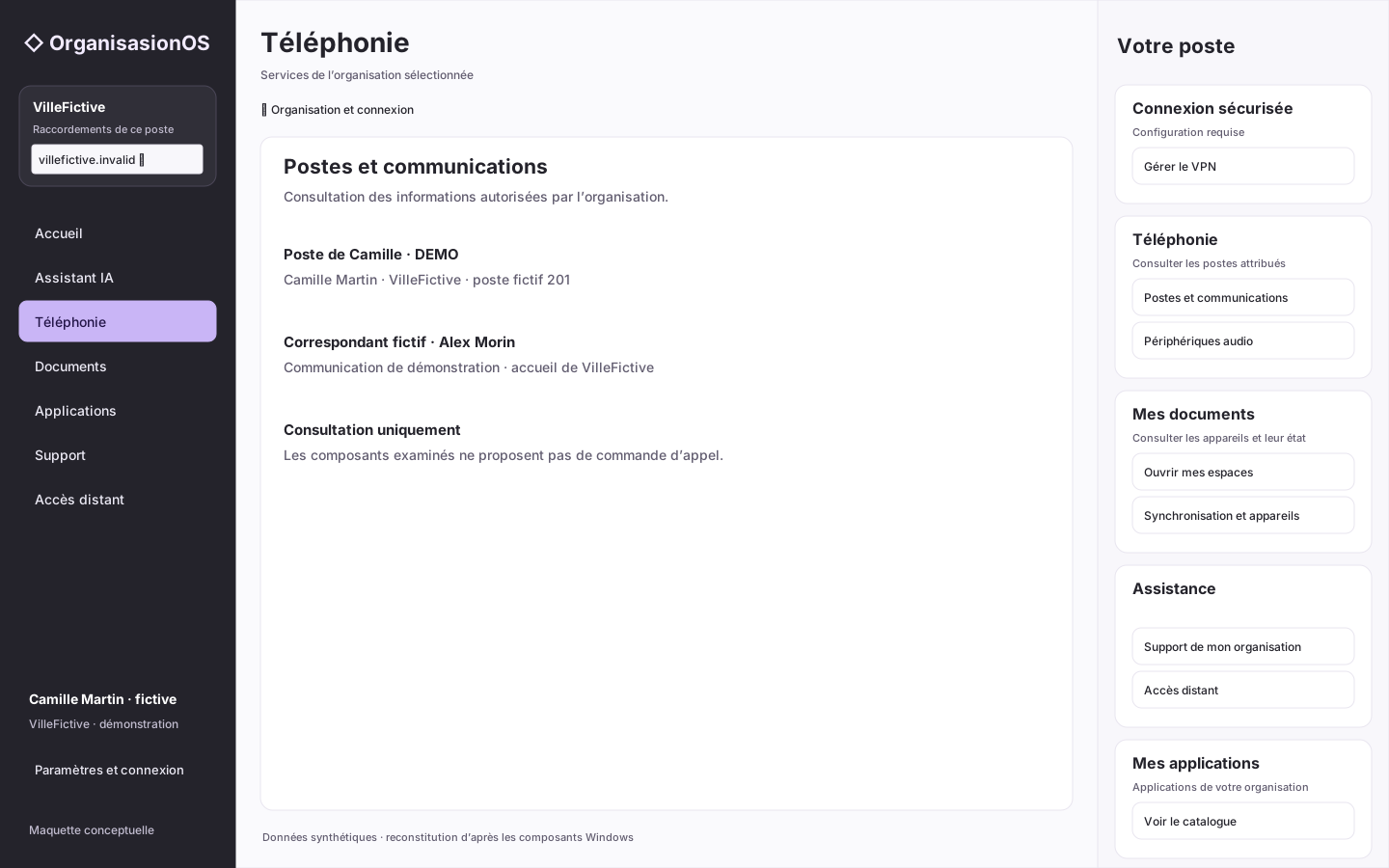
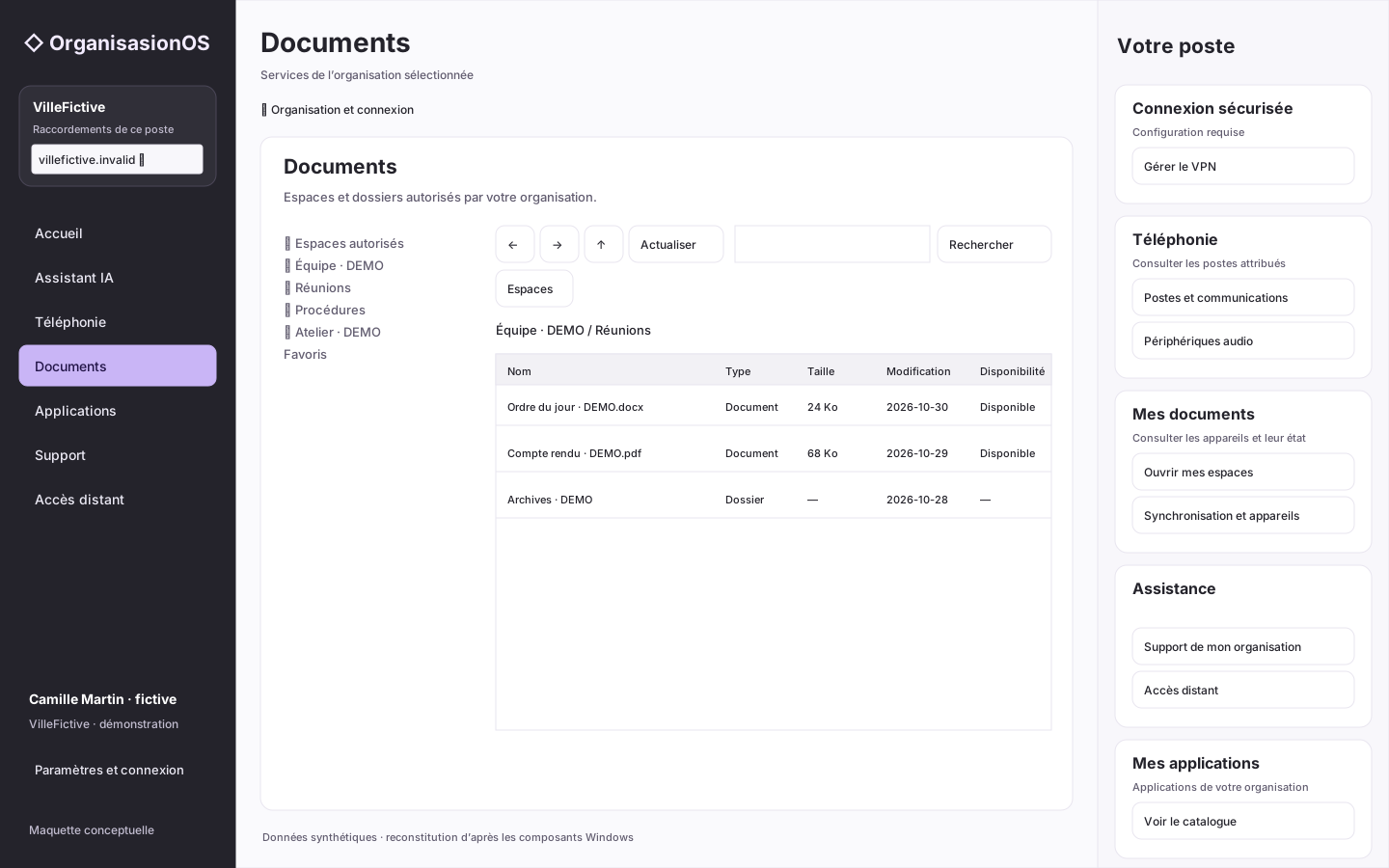
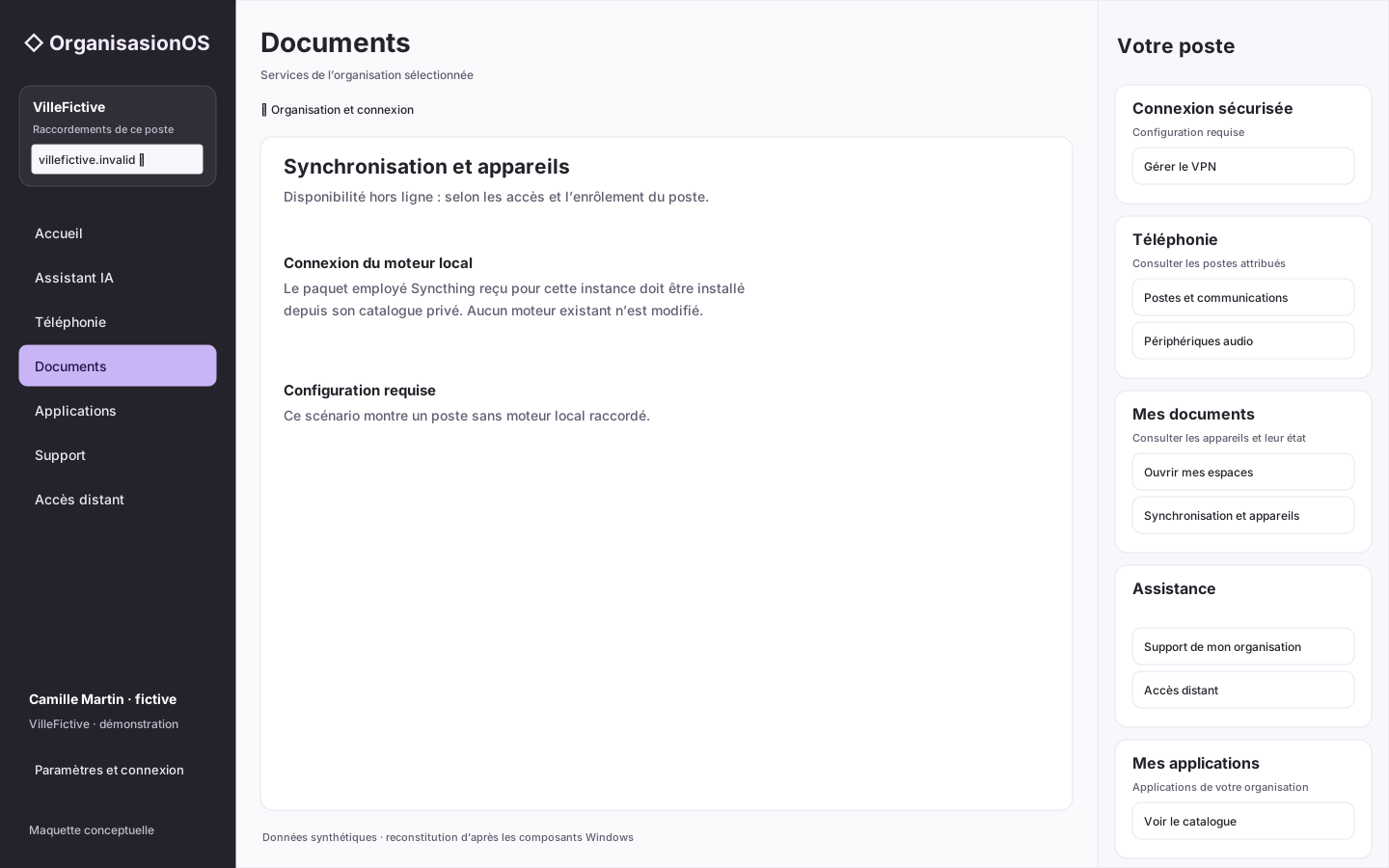
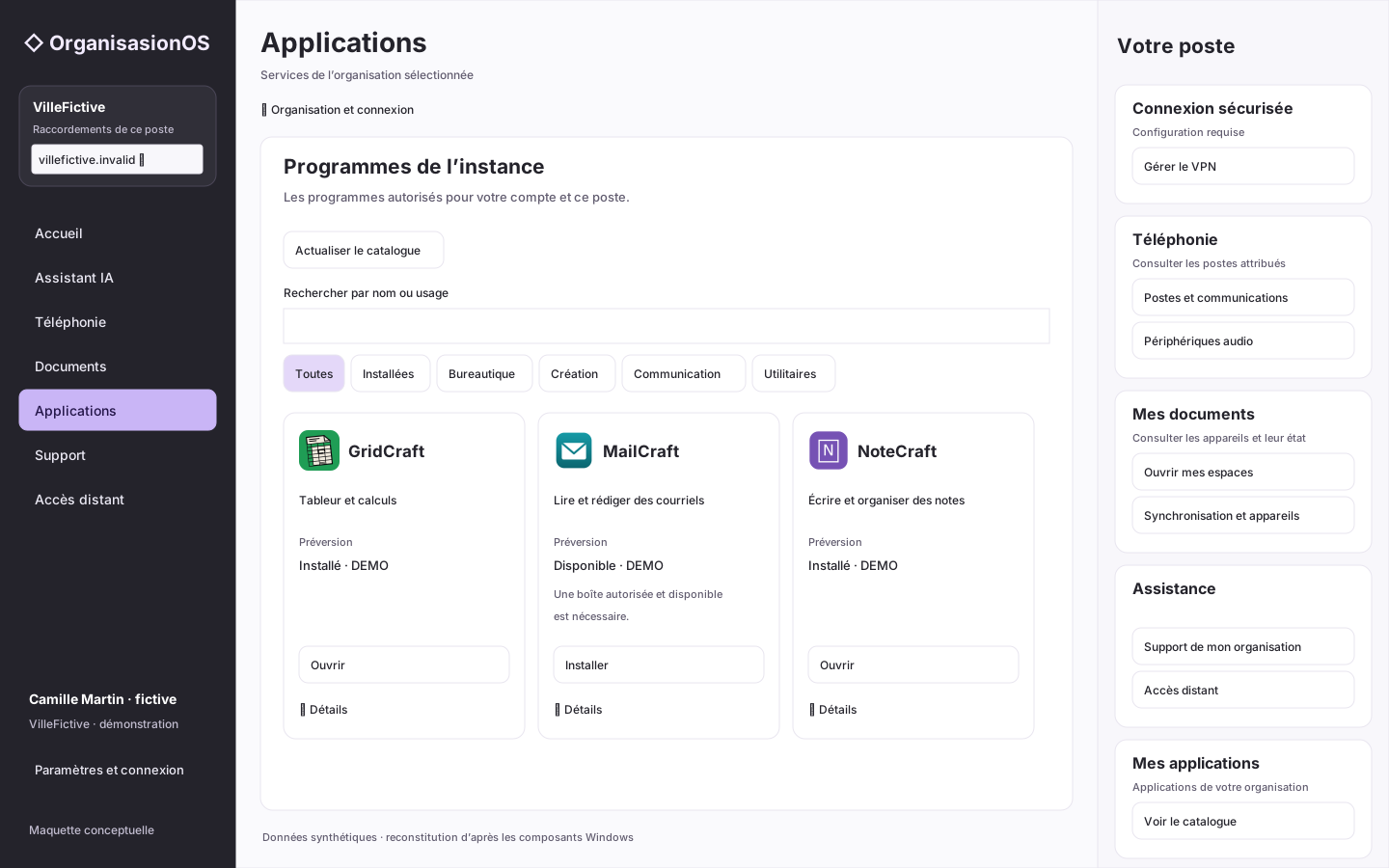
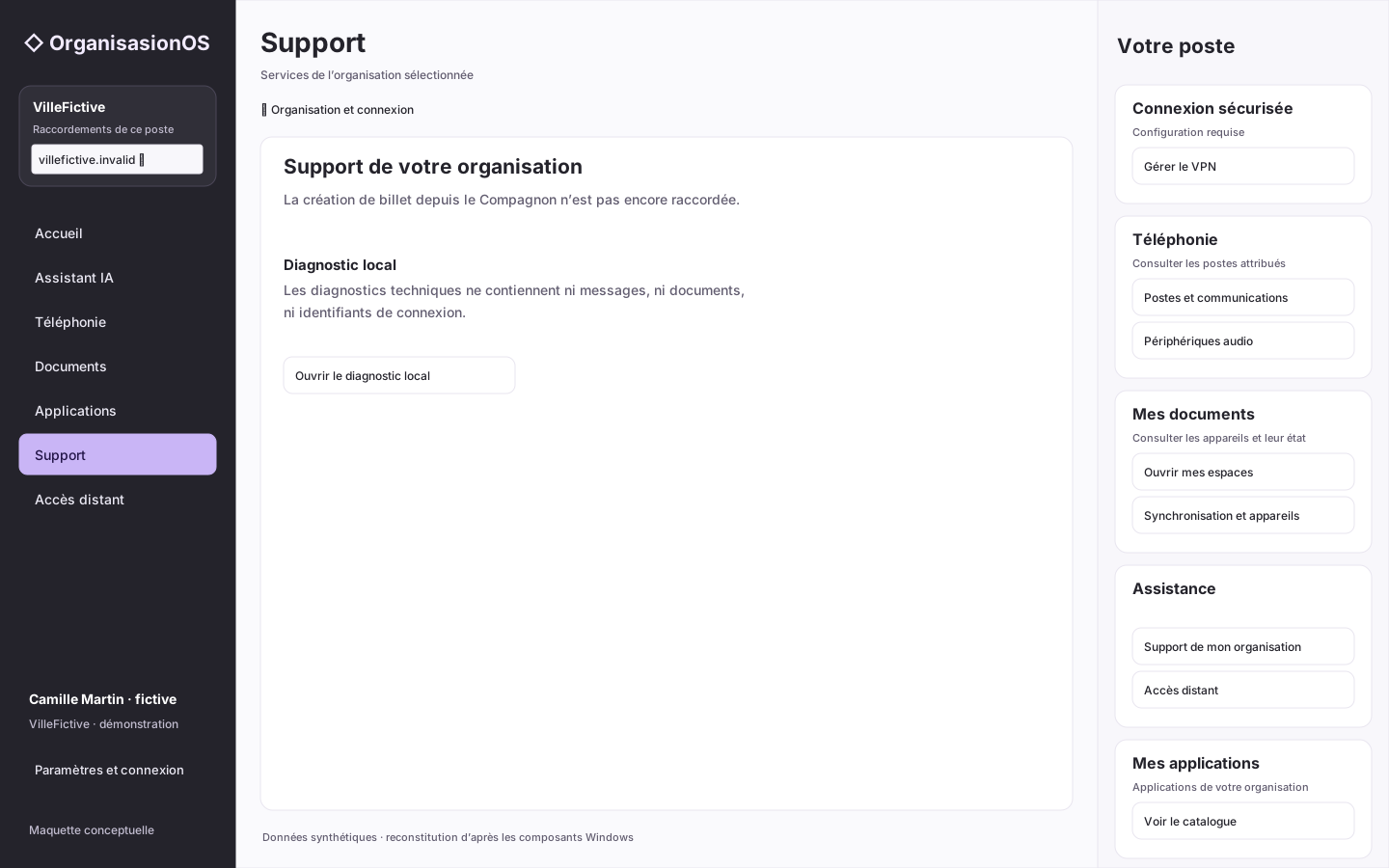
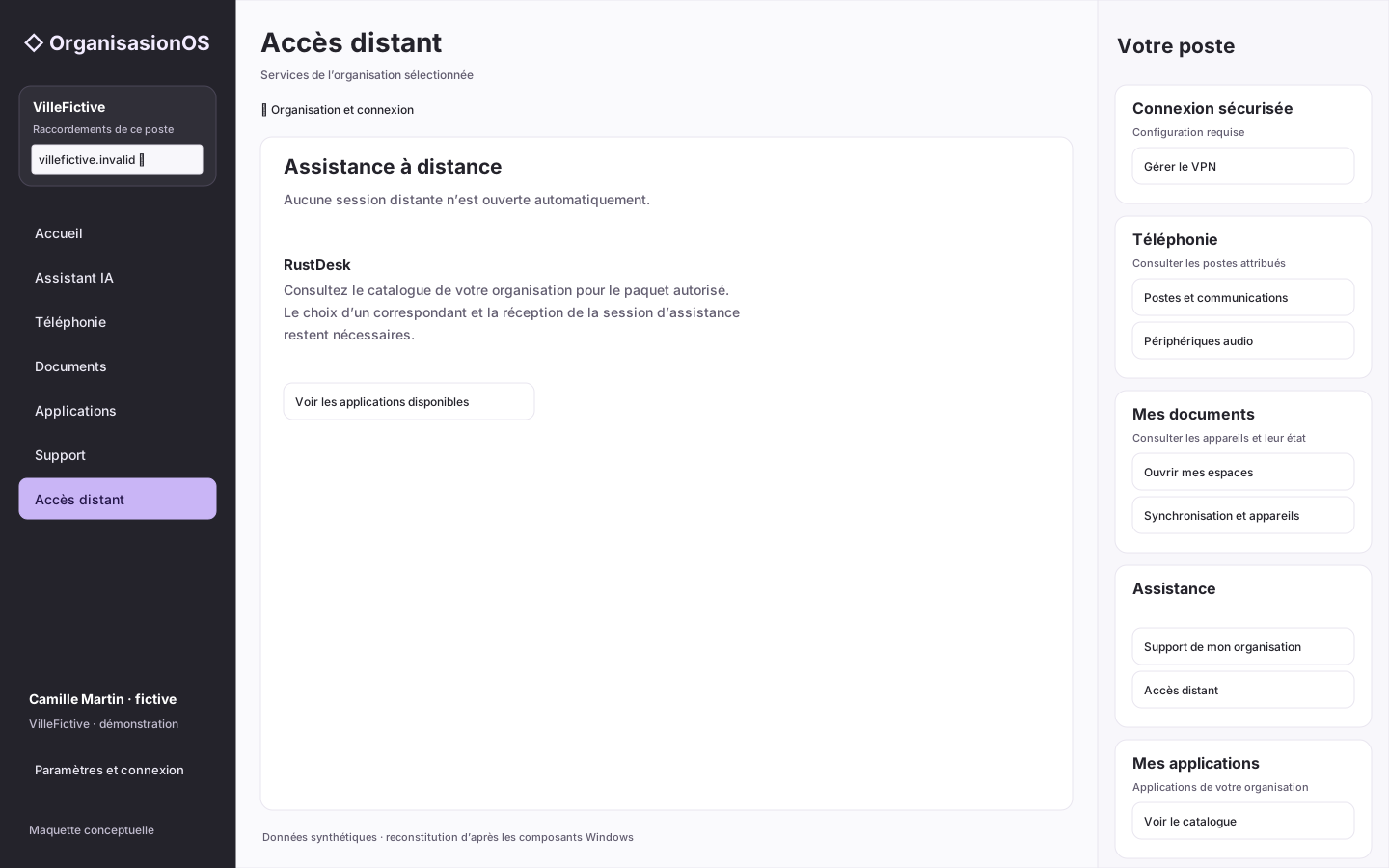
Telephony, Documents, Sync, Applications, Support and Remote access are reconstructed from inspected Windows components and screenshots. Their interactive Windows rendering is not accessible here: these are not native captures. Data is fictional; the supplied Assistant reference and its states remain conceptual. Portal views are not used as substitutes for Companion views.
A catalogue linked to the organization and its permissions. Server distribution is accepted for specific scopes; complete desktop acceptance is a separate step.
Document and spreadsheet applications distributed to authorized pilots. Download flows have been verified; this does not establish acceptance of every interface feature.
An existing office integration, subject to deployment scope and component licences. No general feature equivalence with other tools is claimed.
A planned evolution of the Companion will enable authorized IT teams to deploy configuration policies, remotely install or update applications, lock a workstation and track operations in OrganisasionOS.
This vision applies to workstations enrolled in the organization’s device management, according to administrator permissions. Each intervention will need an audit entry and a viewable execution result.
A personal device running the Companion is not automatically a managed workstation. Access to the workspace and enrollment in the organization’s device management are separate steps.
The Companion will continue to provide the user’s familiar workspace while IT teams have access to authorized management tools.
CONTINUITY / FREEDOM OF CHOICE
OrganisasionOS builds on your existing tools. Telephony, storage, identity and email: evolve your infrastructure at your own pace while keeping a familiar workspace for your teams.
Continuity is a design objective. Each integration and each provider change requires its own validation.
For your organization: a choice of services
Enlarge preview ↗For your teams: familiar navigation
Find contacts and make calls from the same workspace when the system behind it changes.
Core and connectors link the workspace to the services in use. Core applies your organization’s rules; each connector adapts a specific integration.
Telephony interfaces and contracts exist. Replacing one system with another while preserving the complete workflow has not been accepted.
Interface continuity alone does not guarantee continuity of data, permissions or every feature. Preparation, compatibility, migration, testing and rollback remain specific to each transition. No universal compatibility or perfect equivalence between providers is promised.